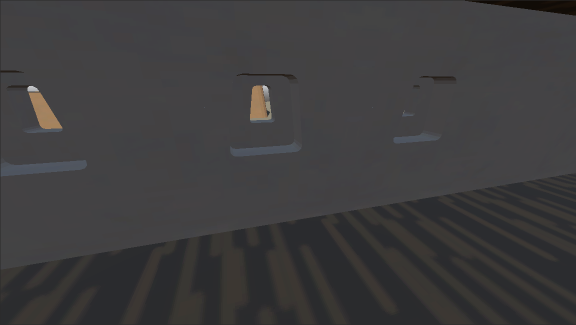
Huge Progress with Iridium Moons this week.
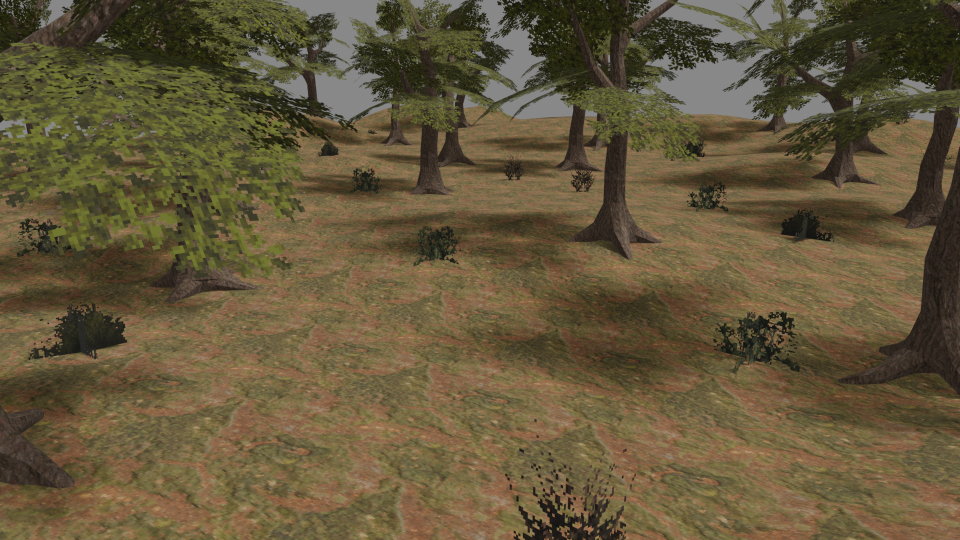
The practice with tree models two weeks ago had gone very well and taught me quite a lot about how much detail you actually have to have on screen to create a scene that is visually rich and expressive and evocative to the viewers. Other than animated creatures of course, I think plants, and trees in particular, are probably the visual assets that need the most detail to look like the thing they need to represent. Buildings and machines can look very blocky, as that’s how they generally really are, but plants are overall very round and irregular. Which is why I choose to do trees first. A density of polygons and texture resolution that looks good enough on trees will looks good enough on everything. And it turns out that level of detail is much less than I had thought. When you manage to get the idea of a thing across, the brain does a lot of the heavy lifting to create the sensation of a much more complete environment and detailed world.
With that experience, I am now feeling very confident of going with a visual style that is more typical of what 3D games looked around 1997 than around 2002. A style that to me personally does feel a good deal more interesting and captivating and I expect to be much more fun to work with. Each assets requiring a shorter amount of work time is of course already nice when you are making every single object all by yourself from scratch. But a visual style with a lower amount of detail on each object also allows you to decorate a space with fewer objects without it feeling empty and deserted. And given that I expect many of the areas to be crammed and complex interiors of starships and factories, and the outdoors of Kion is mostly dense forests, this will be a big timesaver as well. All those things on the shelves and tables in Morrowind must have taken someone weeks if not months to arrange.
Because I have repeatedly greatly overestimated how much detail is actually needed to create a look that I am happy with so far, I have changed my approach to creating an asset library for Iridium Moons. Starting with a list of assets that I think I am going to need and working my way down until I have everything to start creating levels did sound smart originally, but it’s now very apparent that I would probably make way more stuff than I actually need to get the look that I want. So instead, my new approach is to make one small prototype map for each level that has small mockups of all the kinds of locations I want to have in the game. Starting with the most bare-bones, crude placeholders, and then adding detail to whatever things stand out to me as needing more work before they look right. This should help avoid making anything that I don’t actually need, or more variations of a thing than I need. I also think being able to place a work in progress into the environment and among other objects it is most likely to appear next to in the game will help a lot with getting the look right and consistent across the whole asset library.
For this purpose, I started working with Terrain3D this week, and it is just a joy. It’s not just a plugin for Godot that lets you sculpt a mesh for the ground, but also a full package to use absolutely gigantic maps in an actual game without blowing up the computer from trying handle all that data at once. I am now very determined to have loading screens between locations replaced with two or three minute hoverbike drives across the deserts of Sarhat or the open plains of Meruna. Even when there isn’t any real content to be discovered by exploration, I think it’s still very worthwhile just for the pacing of the game, like in Shadows of the Colossus.
Starting with Sarhat as the first planet to create assets for seemed like the natural choice, as it’s probably the easiest. The volcanic plains of Palan have an even more simpler landscape with nothing but rubble fields and a few shrubs, but it also has the two big cities which I am probably saving (or avoiding) for last.
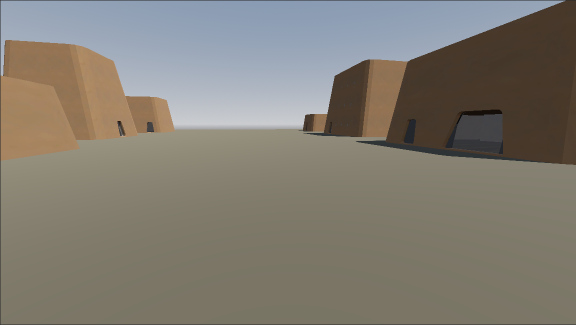
First attempts with Terrain3D have been very promising. While it was a big struggle to find a good way to create sand and rock textures that can cover very large areas without repeating every two meters, the actual solution I have now is very simple, and I think the ground textures look really good.
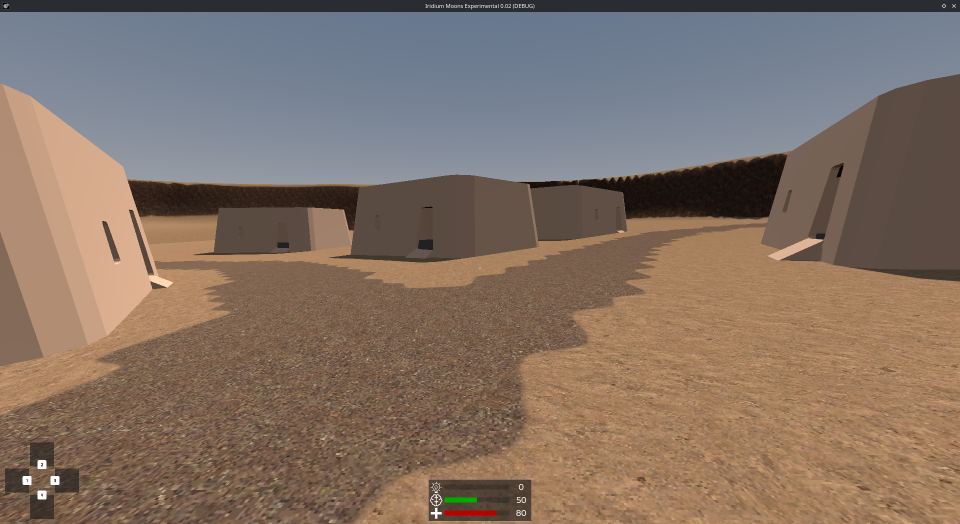
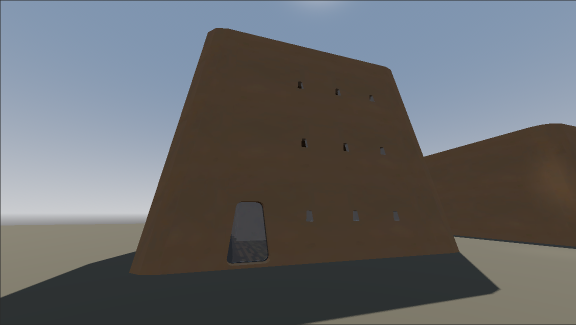
As much fun as I had with the house models I made back in May while learning Blender and as good as they came out, I am now completely remaking them from scratch to fit with the new visual style I have settled for. So they still look rather flat. But I think the ground textures work amazing at 64 pixels per meter at 1920×1080 screen resolution.
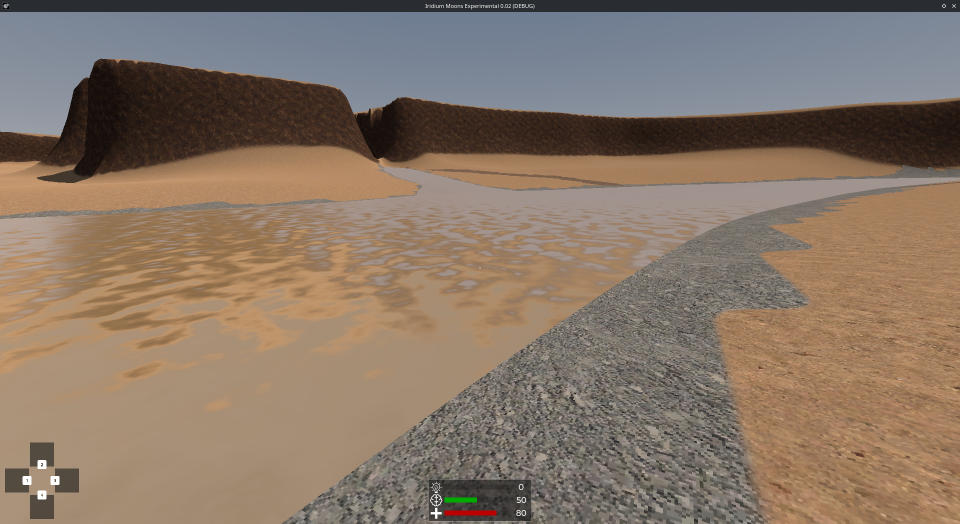
But much more impressive is that I have rivers on Sarhat! Which I made completely by myself too. And you don’t see it on this screenshot, but it’s actually flowing downhill. And changing direction as the river winds through the landscape.
I thought getting to this stage would have been much, much harder, but it’s actually been stunningly easy. Given how many basic game mechanics I have already available by using the Cogito template for Godot, the only real technical challenge that I see in the future is coding NPC combat behavior. But given how absolutely everything about making a game with Godot and Blender has been so much easier than I would ever have thought so far, I am sure even that is only going to be an obstacle, but surely won’t be a barrier.

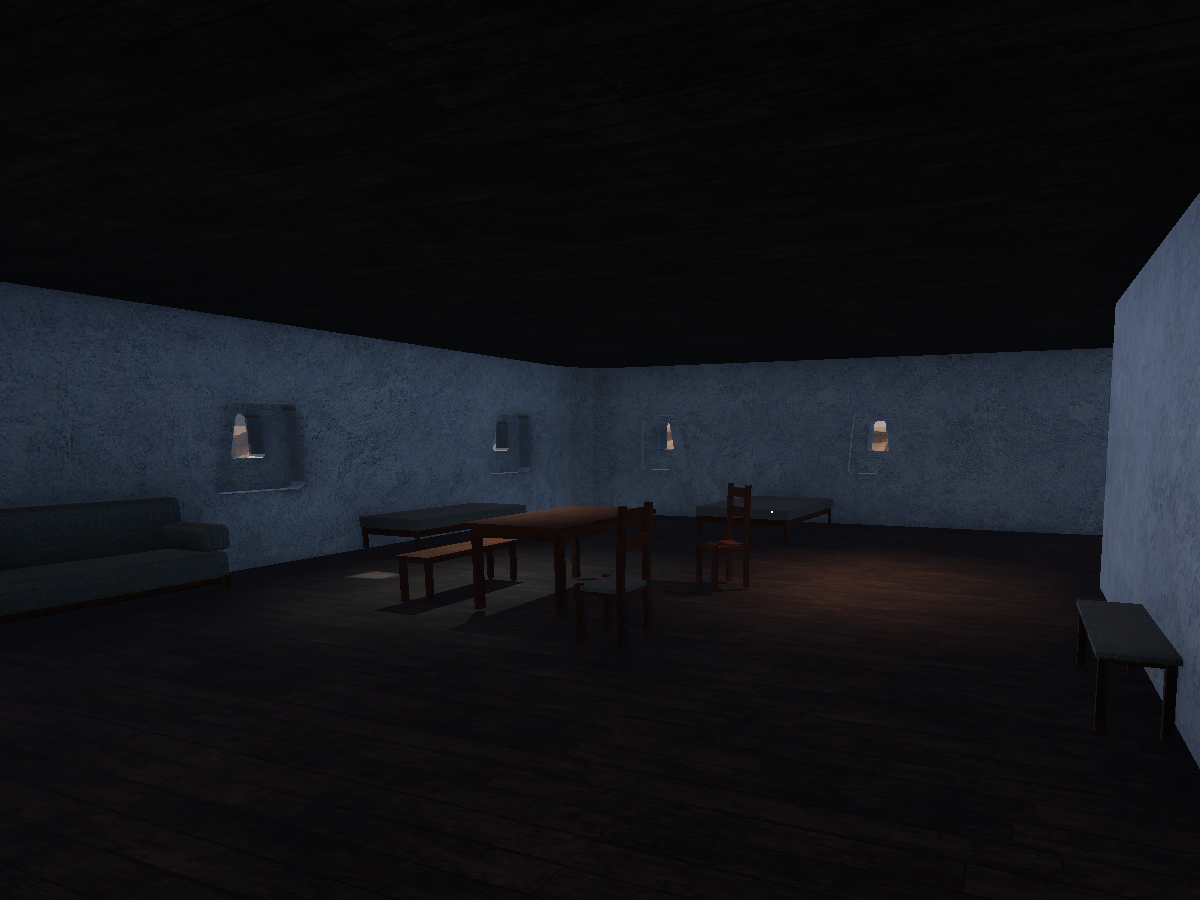
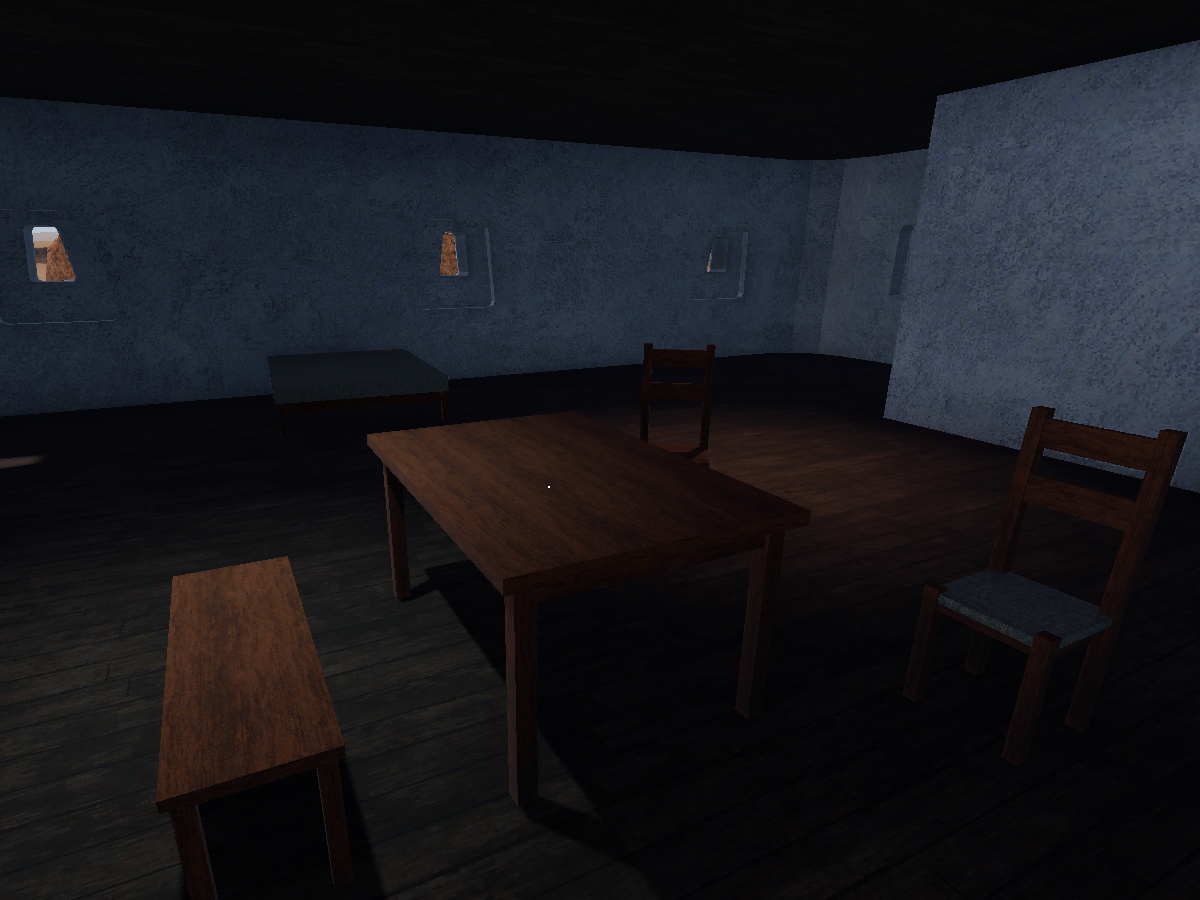
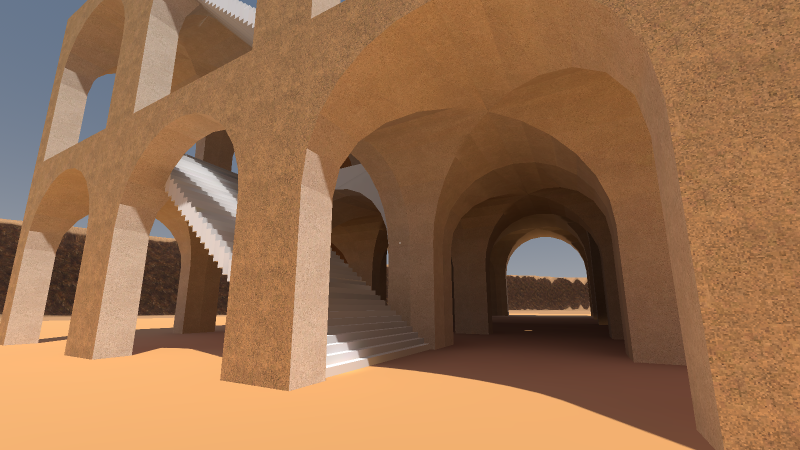
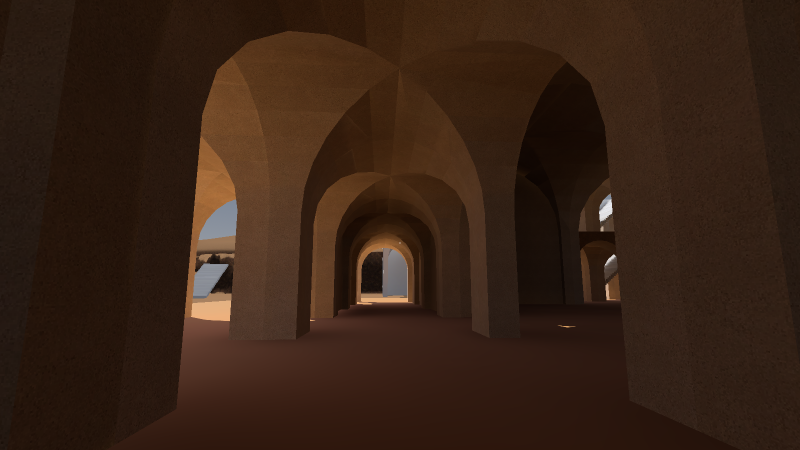
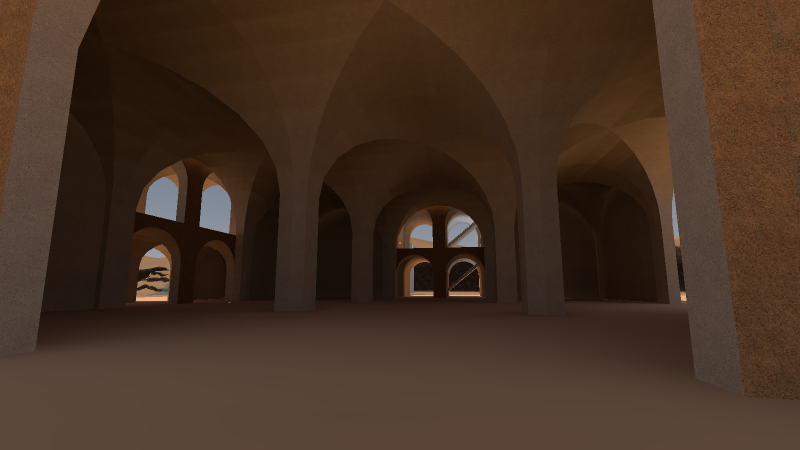
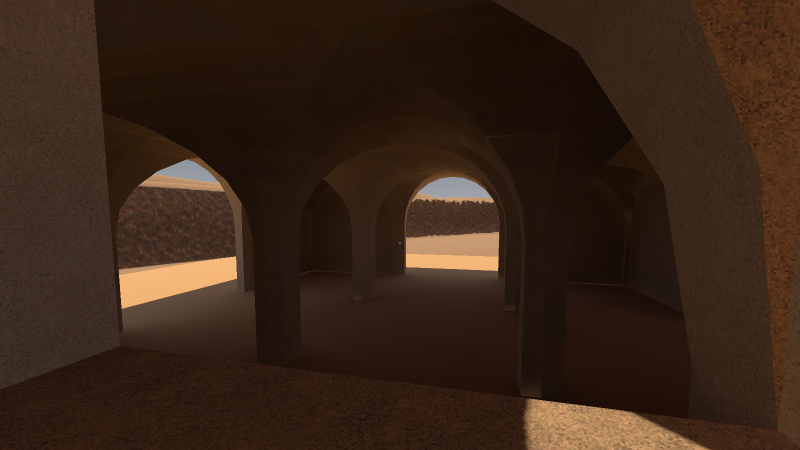
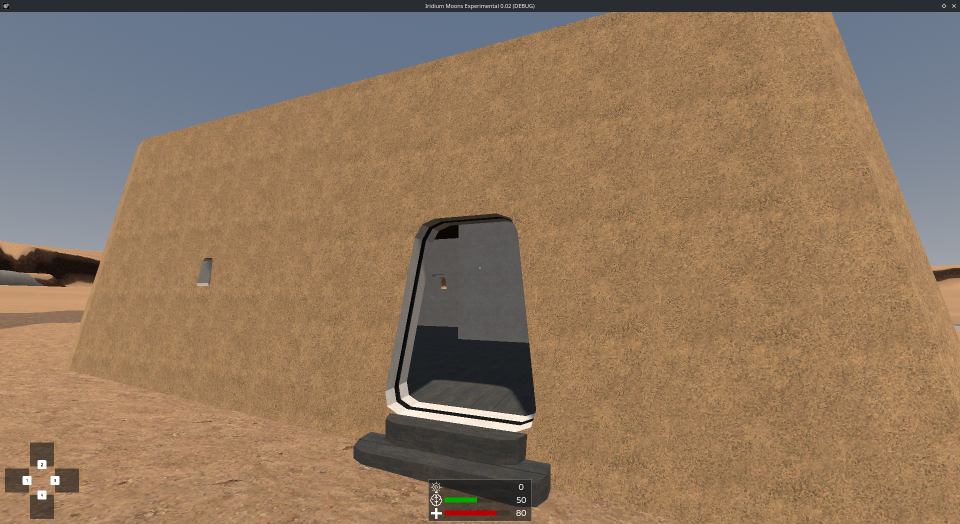
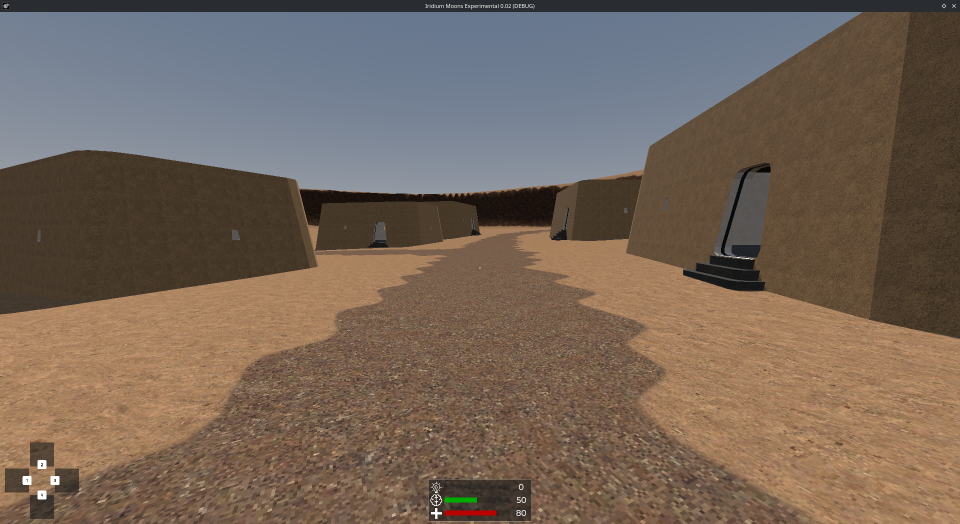
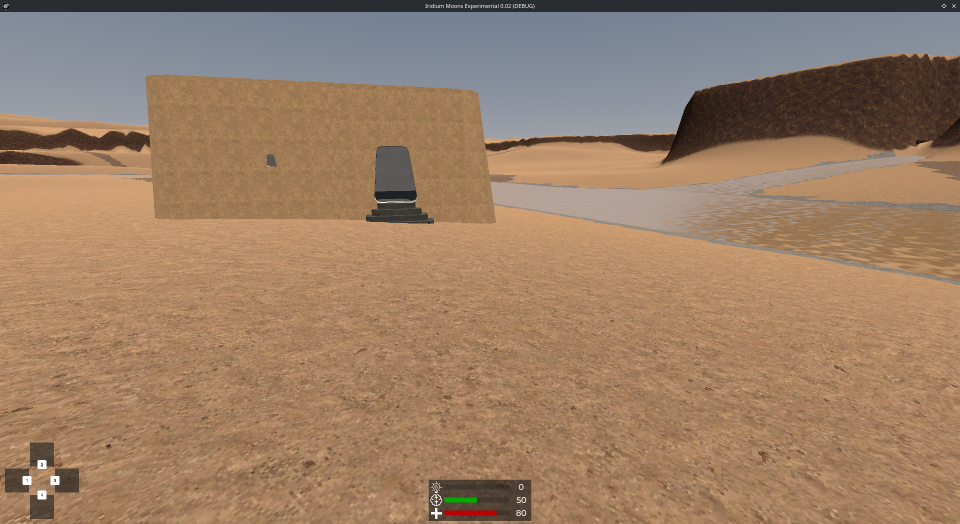
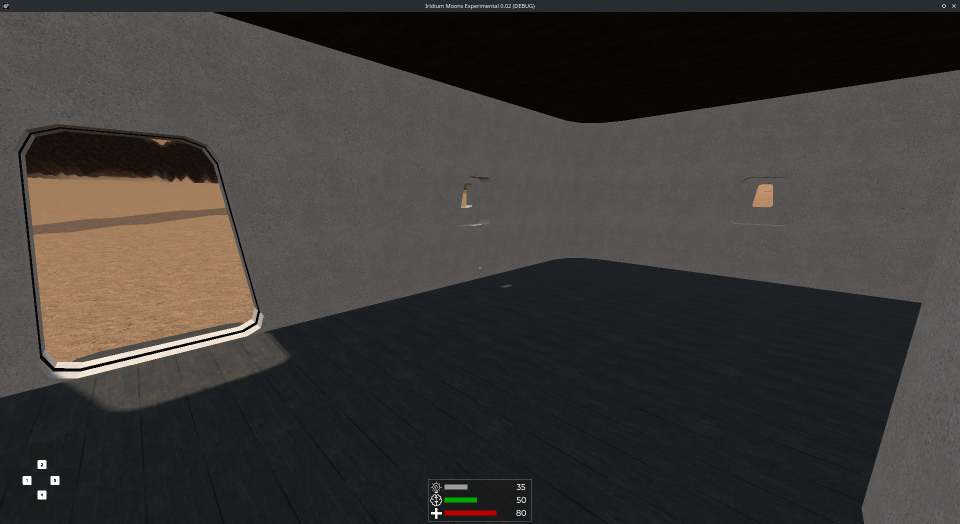
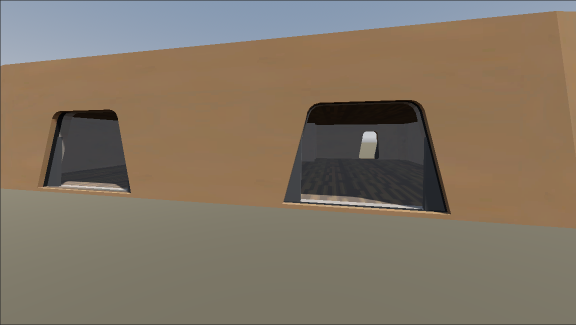
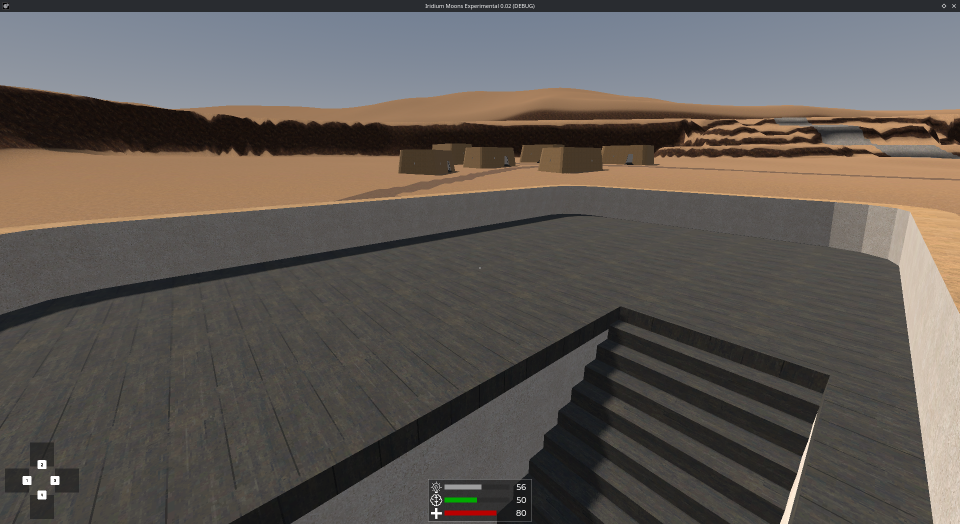 With the procedures I am using, I can now very easily make buildings in this style of whatever dimensions I want, with multiple floors, and doors and windows I can move around as I wish in a few minutes. All that’s left after dragging and dropping the Blender editor file into Godot is to assign the materials I want to the material slots. And that’s it. All the textures will go where they are supposed to go, all the collision will work.